Privacy Policy
SuperDock Lite · Effective 29 August 2026
SuperDock Lite collects no data. Not anonymously, not in aggregate, not at all. There is no account, no sign-in, and no analytics framework, advertising identifier, crash-reporting service or tracking of any kind in the app.
1. What the app collects
Nothing. The App does not collect, transmit, store on our behalf, sell, or share any personal information.
On Apple's App Store privacy disclosure, this corresponds to "Data Not Collected".
2. What stays on your Mac
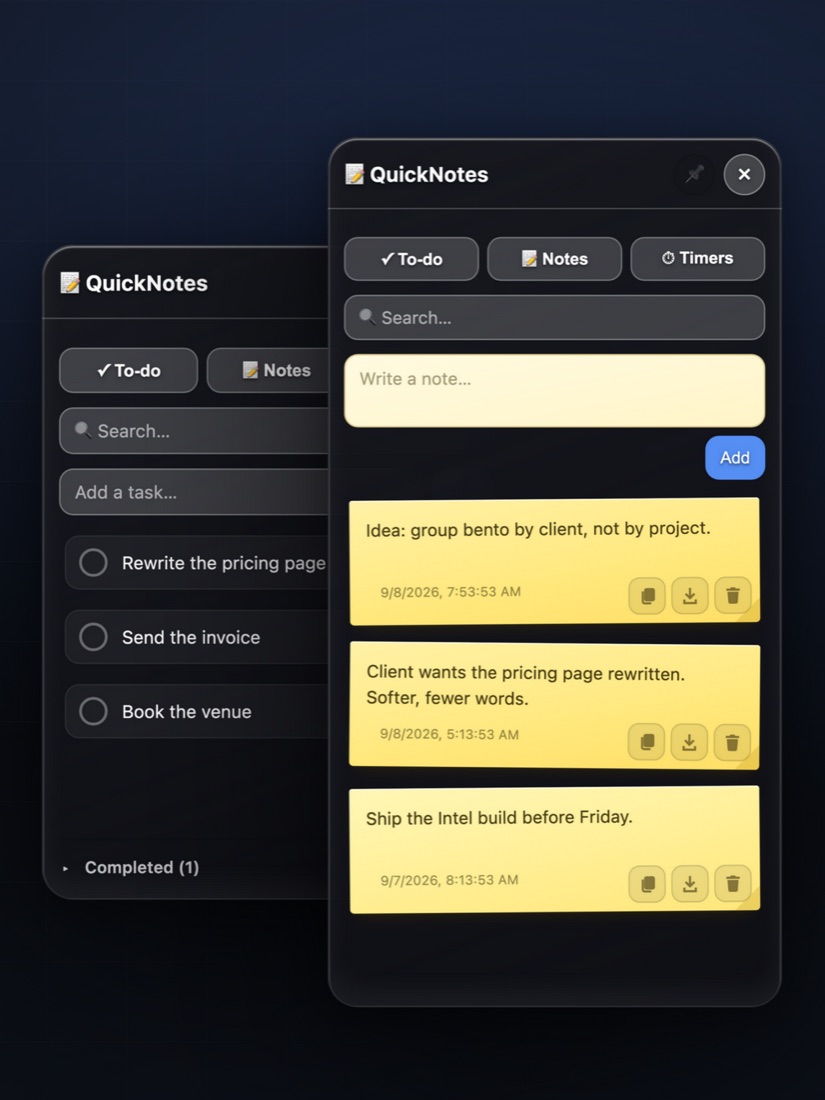
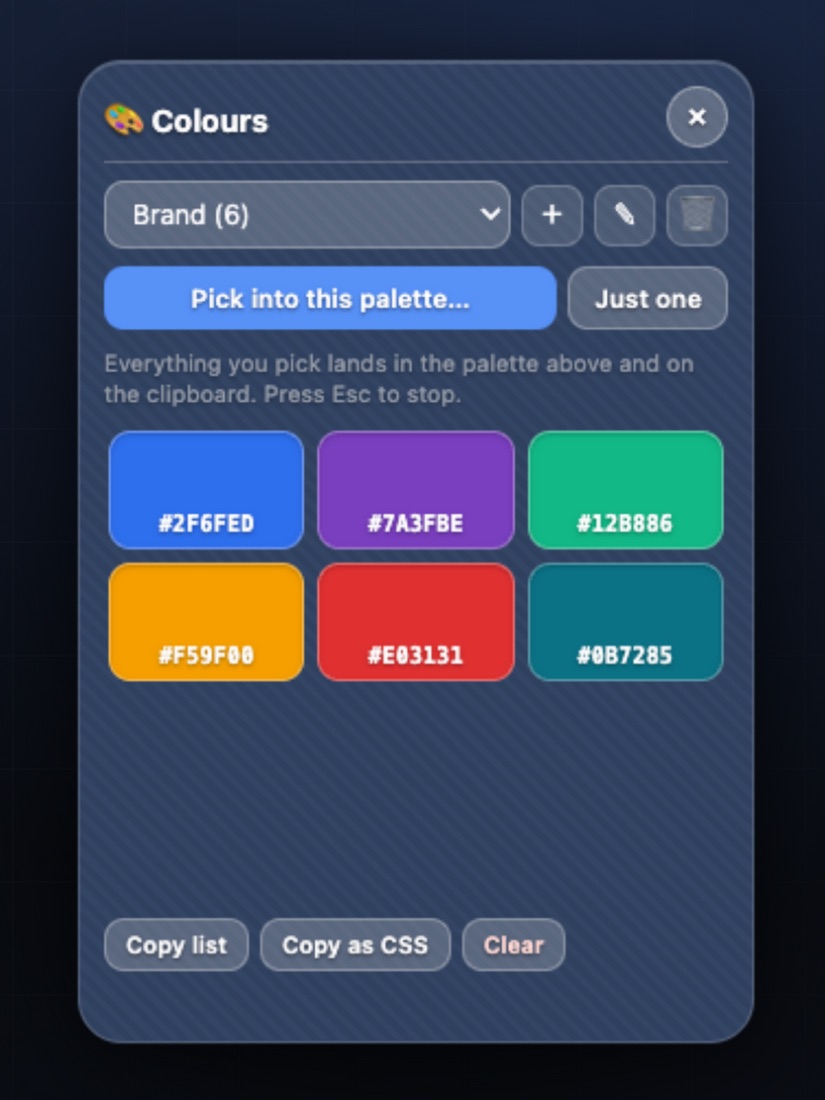
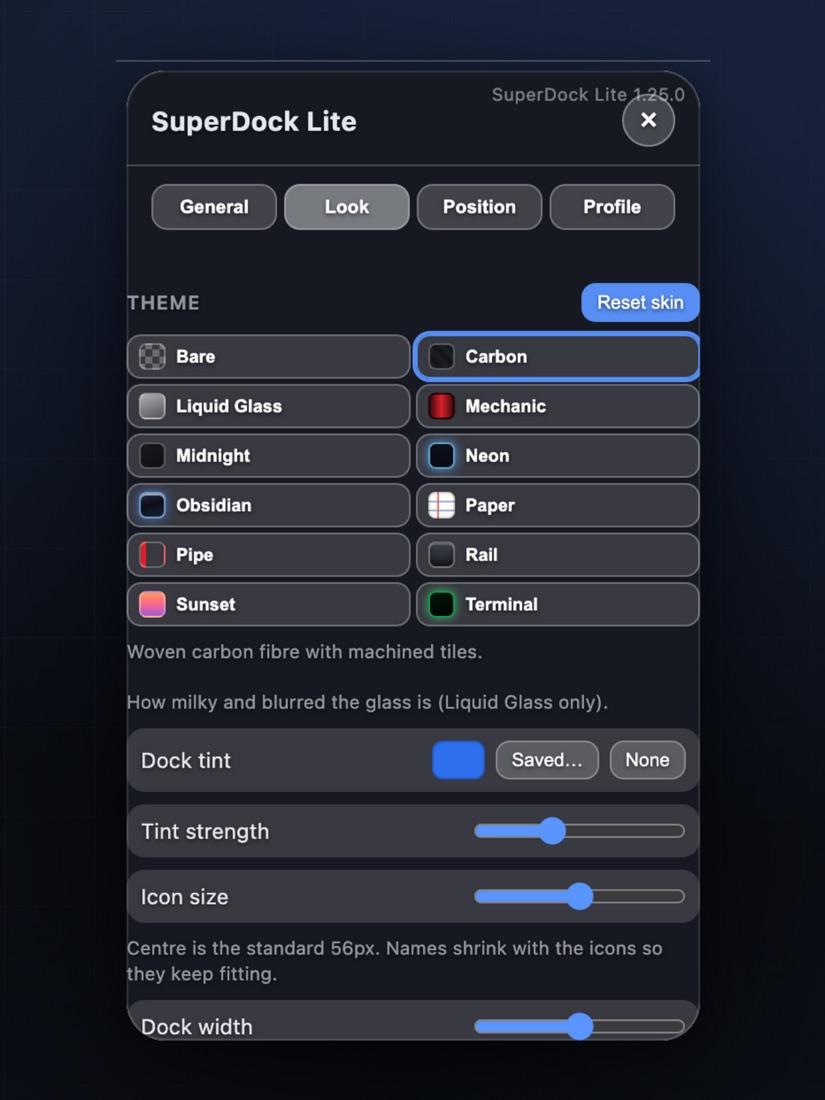
Your dock contents, notes, to-dos, colour palettes and settings are stored in the App's own folder on your computer. They never leave your Mac, are never transmitted to us, and are not accessible to us. Deleting the App removes them.
3. What the app asks macOS for
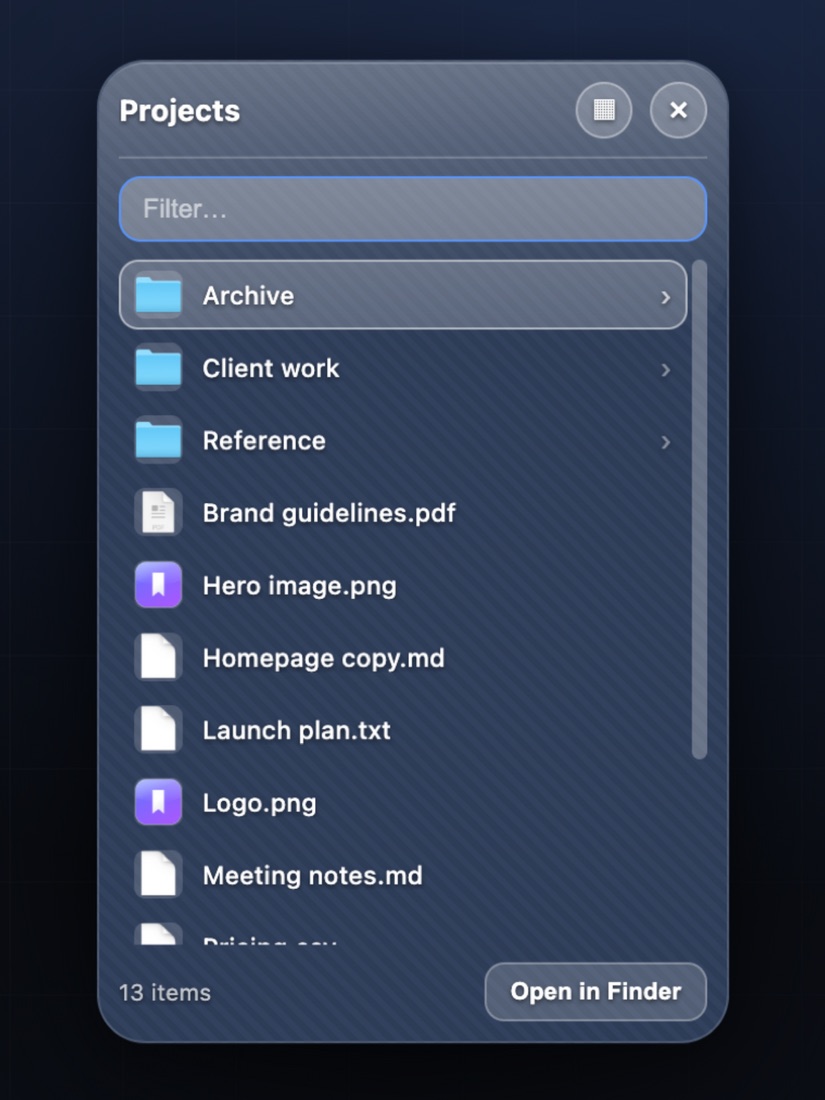
Nothing. SuperDock Lite requires no screen recording, accessibility, camera, microphone or location permission. When you pin a folder or file, macOS asks you to choose it and grants the App access to that item only — the same way any Save or Open panel works.
4. When the app uses the internet
Two cases, both started by you: when you add a website to your dock, the App fetches that site's icon from that site so the tile is recognisable; and when you click a website tile, the link opens in your own browser. Nothing else is sent or received, and no information about you accompanies either.
5. Diagnostics
If you ask the App to produce a diagnostics report, it writes a file to your Downloads folder for you to read and send if you choose. The App never transmits it on its own.
6. Purchases
We do not process payments and never see your payment details. Your purchase is handled entirely by Apple under Apple's own privacy policy. We receive only anonymised, aggregated sales reports from Apple, which do not identify individual customers.
7. If you email us
If you contact us at hello@novakplay.com, we will have your email address and whatever you choose to put in the message. We use it only to reply to you. We do not add it to a mailing list — there is no mailing list. Correspondence is kept only as long as it is useful for support, and you can ask us to delete it at any time.
8. Children
The App is suitable for all ages and collects nothing from anyone, including children under 13.
9. Your rights
Canadian privacy law (PIPEDA), the GDPR in the European Economic Area and the UK, and laws such as the CCPA in California give you rights over personal information held about you — including the right to access it, correct it, and have it deleted.
Because the App collects nothing, we hold nothing to access, correct, or delete, other than any email correspondence you have sent us. To exercise any of these rights, write to hello@novakplay.com and we will respond within 30 days.
10. Changes to this policy
If this policy ever changes, the updated version will be posted on this page with a new effective date. If a change ever means the App begins collecting data, that will be stated plainly and in advance, not buried in a revision.
11. Contact
NovakPlay — hello@novakplay.com
Licence Agreement
SuperDock Lite · Effective 29 August 2026
SuperDock Lite is licensed under Apple's standard App Store licence terms. Apple applies its Licensed Application End User Licence Agreement automatically to every app bought from the App Store, and that is the agreement covering your copy.
You can read the full text here: Apple's Licensed Application End User Licence Agreement.
In short, and without replacing anything in Apple's terms: you may install and use SuperDock Lite on the Apple-branded devices you own or control, as permitted by the Usage Rules in Apple's Media Services Terms and Conditions, including use across devices associated with your Apple Account or shared through Family Sharing. You may not resell it, rebuild it, or pass it off as your own. It is licensed to you, not sold.
Refunds
Payment, receipts, and refunds are handled entirely by Apple under Apple's terms. Refund requests must be made to Apple, not to us. If something is wrong with the App itself, email us anyway — we would rather fix it.
Your statutory rights
Nothing here excludes, restricts, or modifies any consumer guarantee, right, or remedy that you have under applicable consumer protection law and that cannot lawfully be excluded or limited.
Contact
NovakPlay — hello@novakplay.com